Stop uploading
sensitive files to
random websites.
FileHaven converts, compresses, and cleans files entirely in your browser. Your files never touch our servers — because there are no servers.
Tools
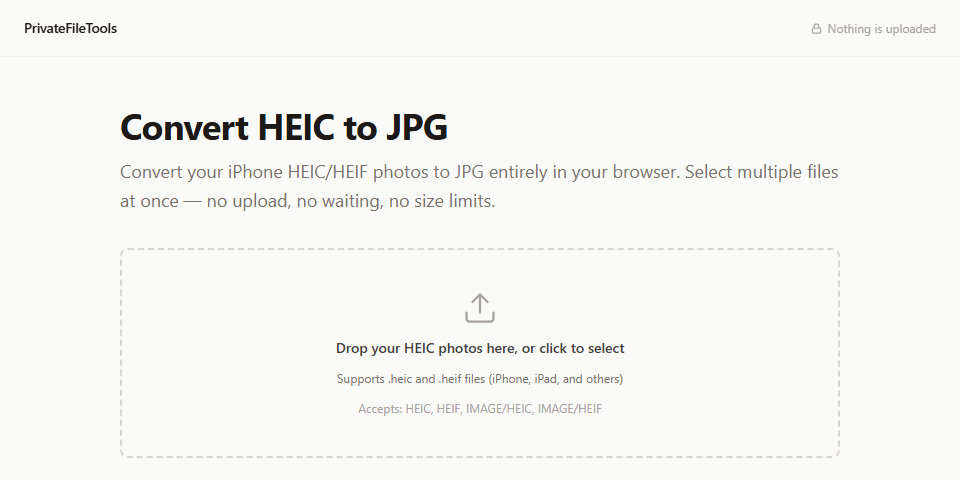
HEIC to JPG
Share your iPhone photos anywhere — converted to JPG locally, no upload required.
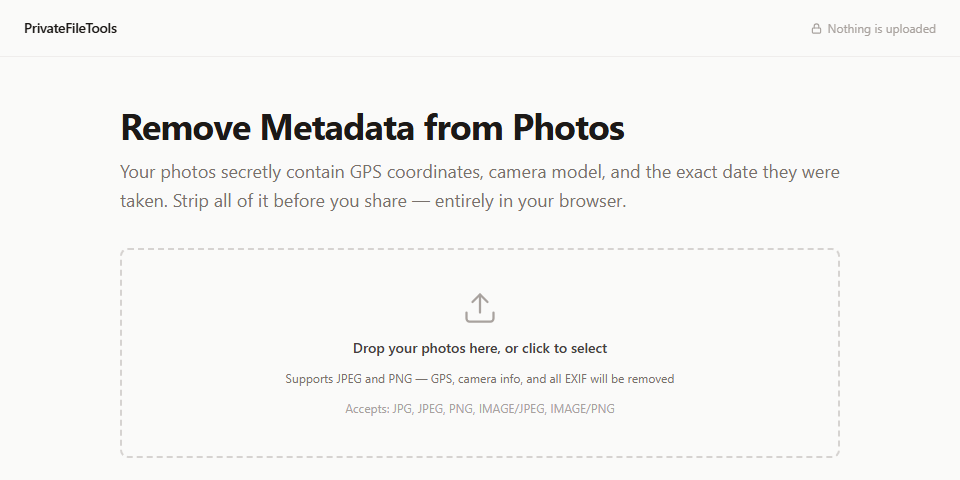
Remove Photo Metadata
Strip GPS location and camera info before sharing photos online.
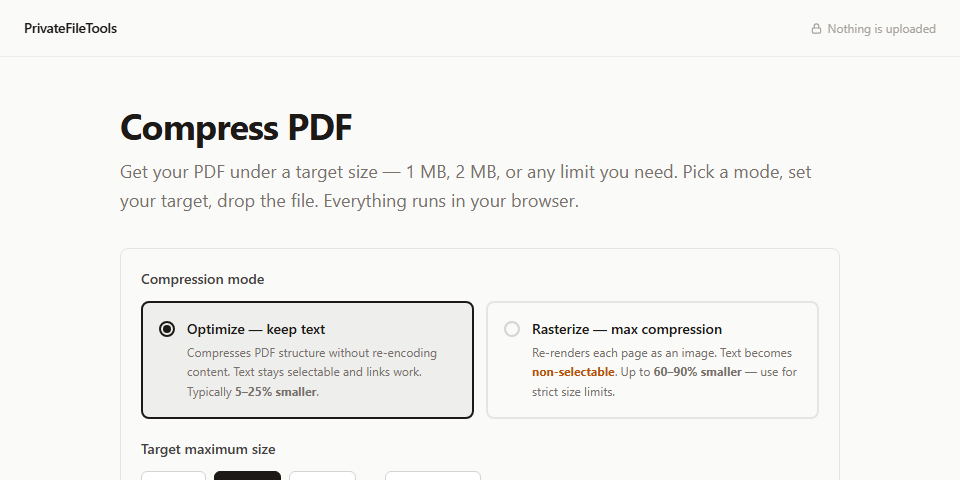
Compress PDF
Hit email attachment limits without uploading to a third-party converter.
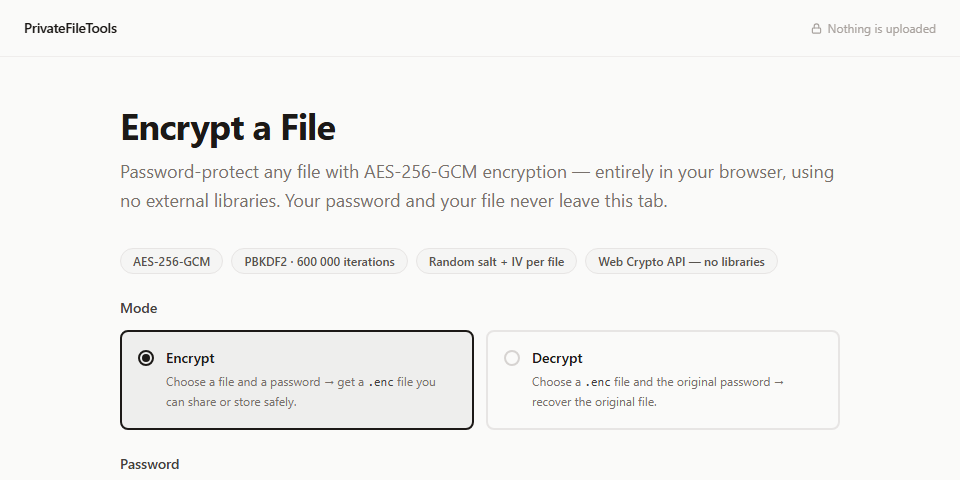
Encrypt a File
Lock sensitive files with AES-256 before sharing or storing them.
How it works
Your file
stays on your device
Your browser
processes it locally
Your result
downloads instantly
No server involved at any step. No upload. No account. No waiting.
Powered by WebAssembly, the Web Crypto API, the Canvas API, and the browser File API — the same technologies used in secure messaging and banking apps.
Verify it yourself
We can say all we want about privacy. Here's how to check it for yourself — no trust required.
- 1 Open DevTools (F12 or right-click → Inspect)
- 2 Click the Network tab
- 3 Disconnect from the internet
- 4 Drop a file into any tool on this page
You'll see zero network requests — and the tool still works. That's the only proof that matters.
Or check the source
Every line that runs in your browser is public. Read it, audit it, self-host it.
View source on GitHubvs. typical online converters
| FileHaven | Typical converter | |
|---|---|---|
| Upload required | Never | Every time |
| Works offline | Yes | No |
| Account required | No | Sometimes |
| Source code public | Yes | Rarely |
| Ads or tracking | None | Usually |
| Cost | Free | Free or paid |
About
I built these tools because I kept needing to convert or clean files and didn't want to upload them to a random website. Most online converters are probably fine — but for sensitive documents, tax forms, and private photos, the upload itself is the risk.
These tools run entirely in your browser. I use them myself.
Common questions
Are my files uploaded to a server?
No — never. All processing runs inside your browser tab. There is no server to upload to. You can verify this yourself: open DevTools, go to the Network tab, disconnect your internet, and use a tool. It still works.
Does it work offline?
Yes. Once the page has loaded, disconnect from the internet and try any tool. Everything still works because no network connection is involved in the processing.
Does it work on mobile?
Yes. All tools work in any modern browser — Chrome, Safari, Firefox — on iPhone, Android, Windows, Mac, and Linux.
Is the source code public?
Yes. You can read every line that runs in your browser on GitHub. There are no hidden network calls.
Why is it free?
It's a personal project. I built these tools because I kept needing to convert or clean files without wanting to upload them to a random website.
What's coming
The project is under active development. Planned tools:
Suggest a tool or follow progress on GitHub .